
Action Required
01-10-26

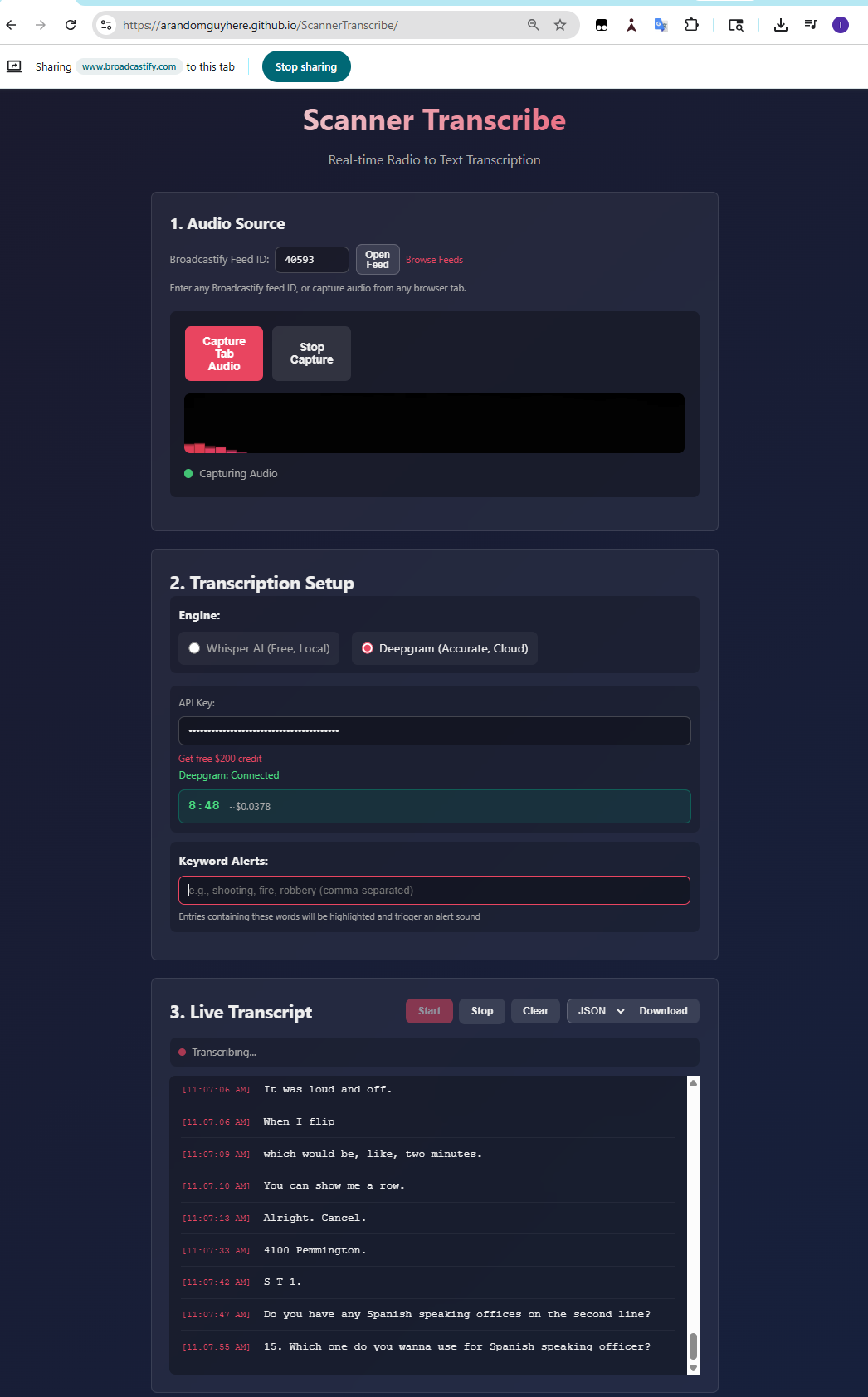
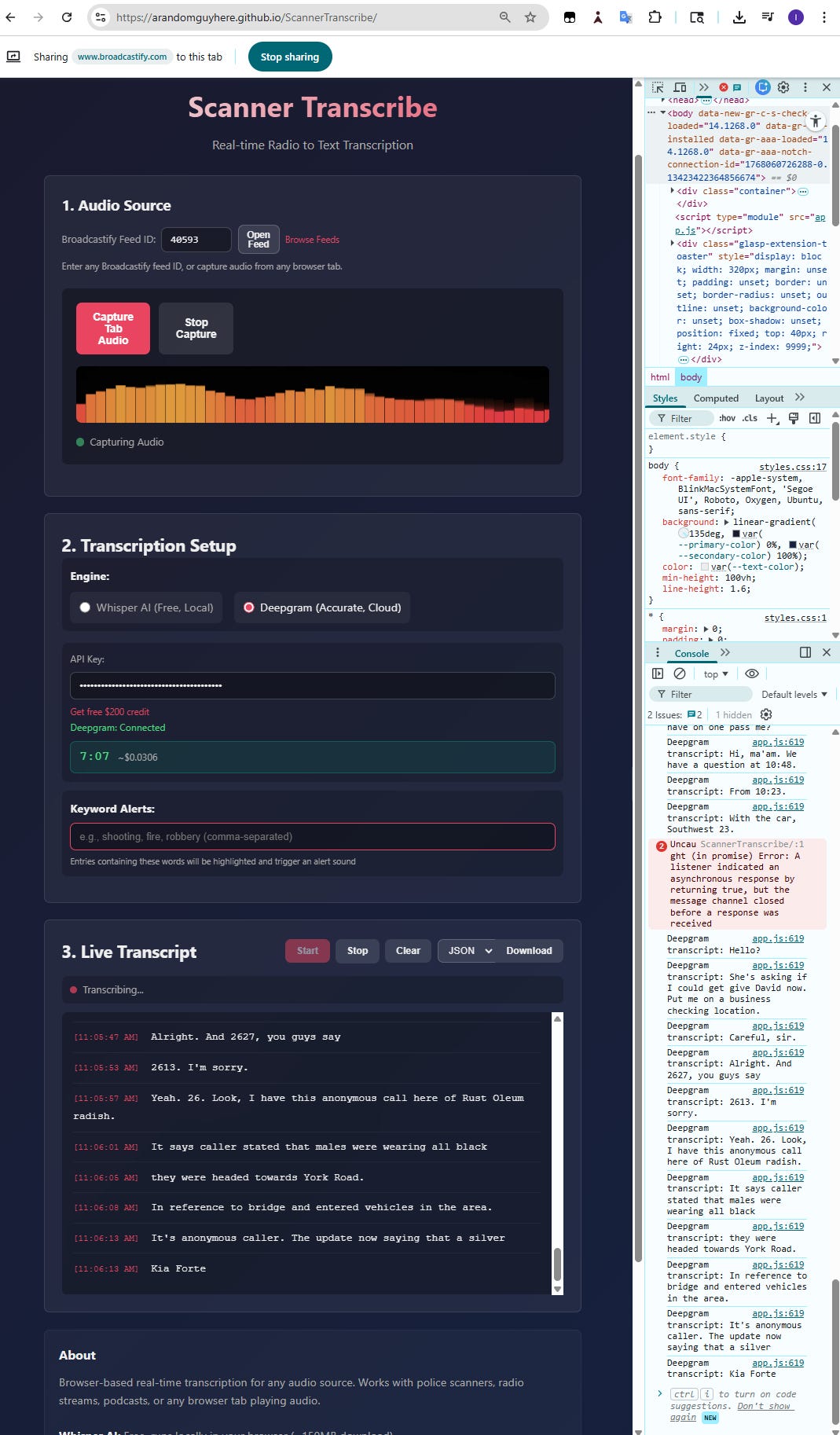
Scanner Transcribe
Real-time browser-based transcription for any audio source. Works with police scanners, radio streams, podcasts, or any browser tab playing audio.
Features
Dual Transcription Engines
Whisper AI - Free, runs locally in browser (~150MB model)
Deepgram - Optimized for radio/phone audio ($200 free credit)
Any Audio Source - Works with any Broadcastify feed or browser tab
Keyword Alerts - Highlight and get audio alerts on specific words
Tab Audio Capture - Capture audio directly from any browser tab
Audio Visualizer - Real-time frequency visualization
Usage Tracking - Monitor transcription time and estimated cost (Deepgram)
Multi-Format Export - Download transcripts as TXT, JSON, or CSV
Settings Persistence - Saves feed ID, API key, and keywords locally
How to Use
1. Audio Source
Enter a Broadcastify feed ID and click “Open Feed”, or open any audio source in another tab
Click “Capture Tab Audio” and select the tab (check “Share tab audio”)
2. Transcription Setup
Choose your engine:
Whisper: Click “Load Model” (one-time ~150MB download)
Deepgram: Enter your API key (get $200 free credit)
(Optional) Enter keywords to highlight in transcripts
3. Live Transcript
Click “Start” to begin transcription
Download transcripts as TXT, JSON, or CSV
Live Demo
Visit: https://arandomguyhere.github.io/ScannerTranscribe/
Finding Feeds
Broadcastify: Browse feeds at https://www.broadcastify.com/listen/
Any Audio: Works with podcasts, YouTube, Twitch, or any tab playing audio
Keyword Alerts
Enter comma-separated keywords to highlight important entries:
Example:
shooting, fire, robbery, ambulanceMatching entries are highlighted in red
Audio beep plays when keyword detected
Requirements
Browser: Chrome or Edge (required for tab audio capture)
Internet: Required for audio streams and Deepgram
Storage: ~150MB for Whisper model (cached in browser)
Transcription Engines
EngineAccuracyCostProcessingWhisper AIGoodFreeLocal (browser)DeepgramExcellent~$0.0043/minCloud API
Deepgram uses the nova-2-phonecall model, optimized for radio and phone audio quality.
Export Formats
TXT - Human-readable with timestamps and keywords
JSON - Structured data including metadata and keyword list
CSV - Spreadsheet-compatible format
Technical Details
Audio Capture:
getDisplayMedia()API for tab audioWhisper:
whisper-base.enmodel via Transformers.jsDeepgram: WebSocket streaming with utterance grouping
Storage: localStorage for settings persistence
Privacy
Whisper: All processing happens locally in your browser
Deepgram: Audio is sent to Deepgram’s servers for processing
No tracking: No analytics or third-party tracking
Disclaimer
For informational purposes only. Not for emergency use.